Free image to STL – no sign-up
Image to STL Converter
Turn a PNG, JPG or photo into a 3D-printable relief or lithophane, right in your browser.
What are you making?
A flat plate with your picture raised on top.
PNG, JPG, WebP or SVG · stays on your device
More settings
Free, without a catch
Convert as many pictures as you like. No account, no watermark, no daily limit.
Your picture stays yours
The model is built on your phone or computer. The image is never uploaded.
Ready for your slicer
A closed, watertight STL that opens in Cura, PrusaSlicer, Bambu Studio and other slicers.
Made with PictureToSTL
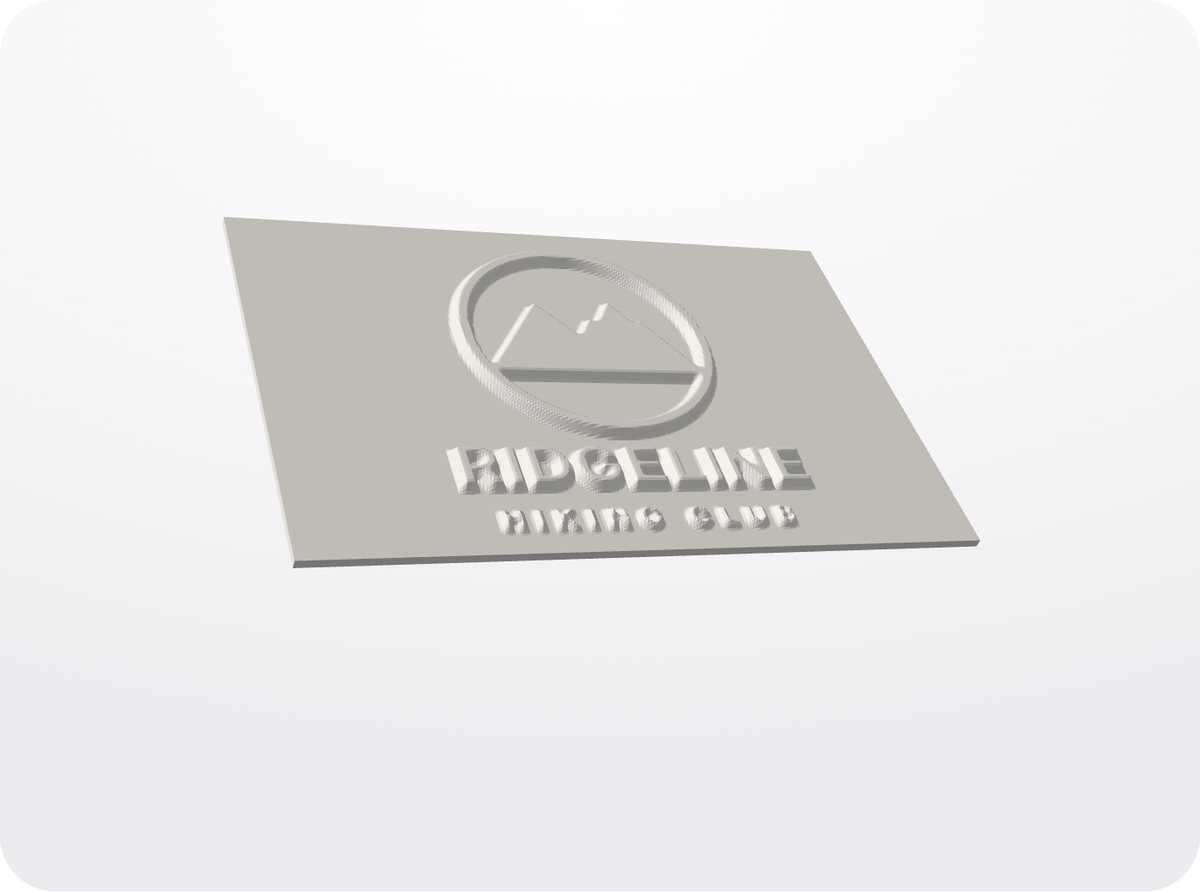
Logo → wall sign
A business or club logo turned into a raised sign. Swap filament at the relief height for two colours.
Relief · 150 mm · 2 mm base · 2.5 mm relief
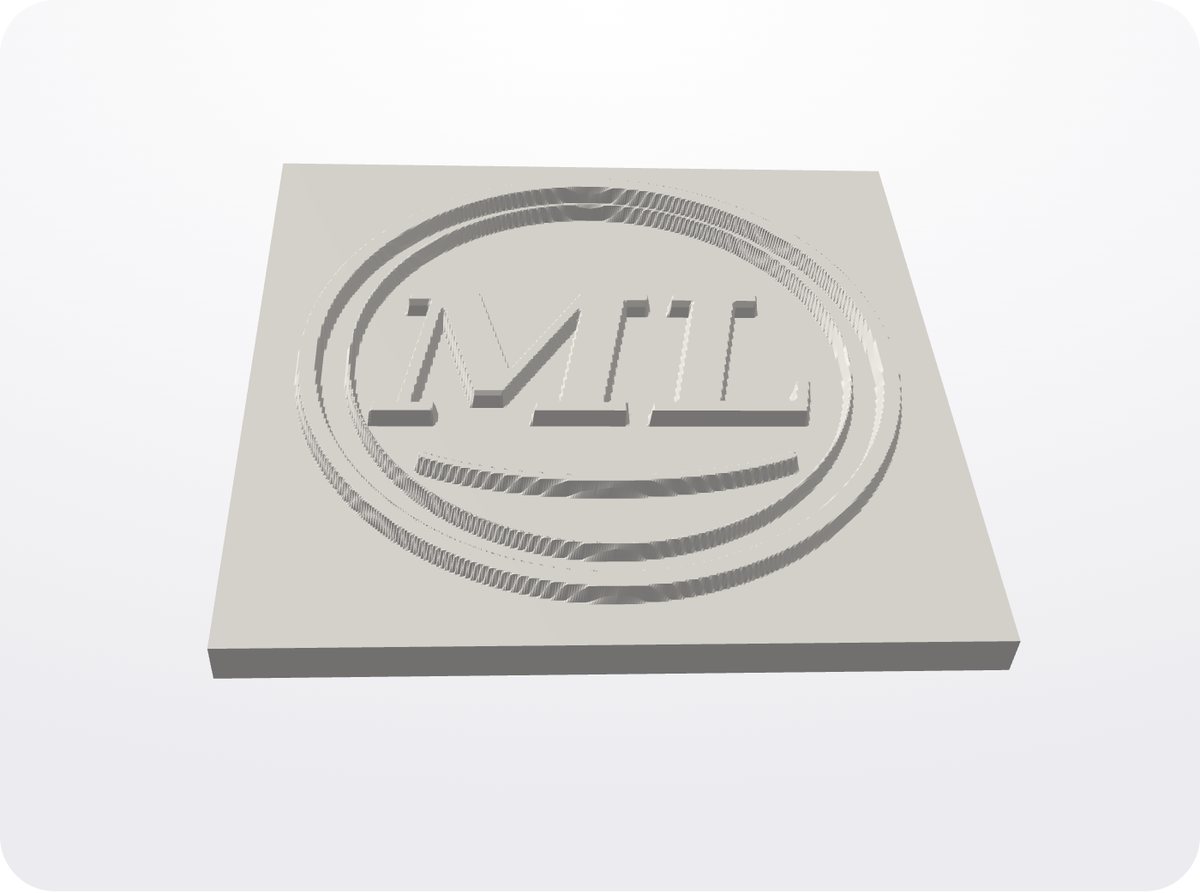
Signature → stamp master
A signature or monogram as a crisp raised stamp; mirror the image before converting.
Relief · 50 mm · 3 mm base · 1.5 mm relief · Smoothing off
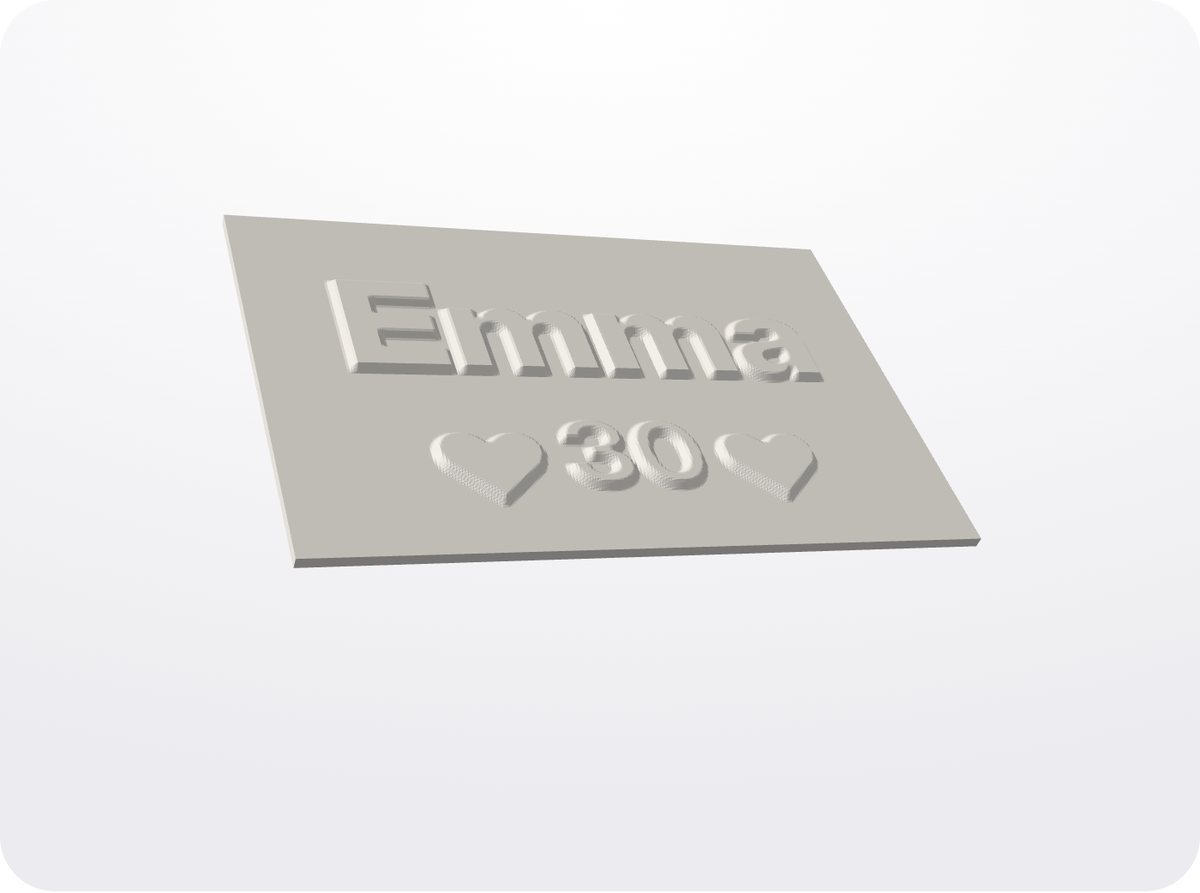
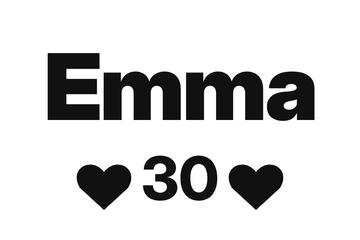
Silhouette → cake topper
A couple or name silhouette for a wedding or birthday cake topper.
Relief · 120 mm · 2 mm base · 1.5 mm relief
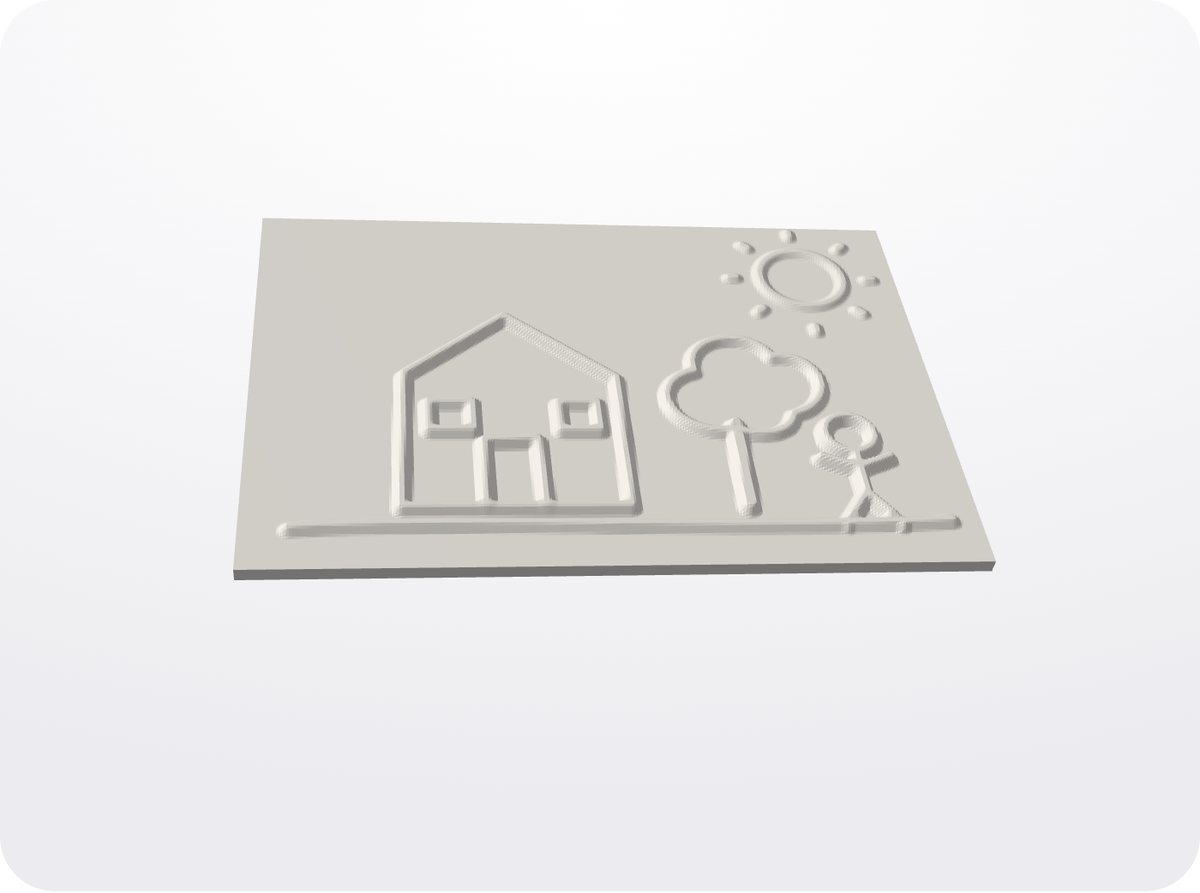
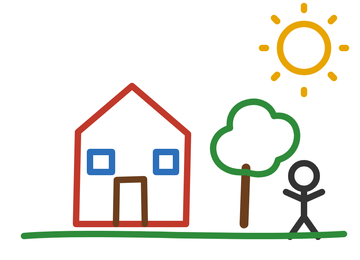
Child's drawing → keepsake plaque
A crayon drawing preserved as a small relief plaque – scan it on white paper first.
Relief · 100 mm · 2 mm base · 2 mm relief · Light smoothing
How it works
- 1
Choose a picture
A logo, a drawing, a name or a photo. PNG, JPG, WebP and SVG all work, and the picture stays on your device.
- 2
Pick what you're making
Keychain, coaster, sign, stamp or cake topper – or a lithophane panel, night light, ornament or curved lamp. Size, shape, keyring hole and mirroring are set for you, and the 3D preview updates as you go.
- 3
Download and print
You get a watertight STL plus the print settings for that piece. Open it in Bambu Studio, OrcaSlicer, PrusaSlicer or Cura and print.
How image to STL conversion works
An image is flat, an STL is a 3D surface. This converter reads the brightness of every pixel and turns it into height: in relief mode dark areas are raised (or light areas, if you switch it), which suits logos, line art, signs and stamps; in lithophane mode dark areas become thick and light areas thin, so the print shows your photo when you hold it against a lamp. The tool adds a solid base and side walls, so the mesh is closed and ready to slice. Everything runs in your browser – your picture is never uploaded.
Frequently asked questions
Is this image to STL converter free?
Yes. Converting images to STL in relief or lithophane mode is free and unlimited, with no sign-up and no watermark.
Can it make a keychain, coaster or cake topper?
Yes. Pick what you're making above the preview: keychains get a keyring hole and a raised rim, coasters a drip rim, stamps are mirrored automatically, and cake toppers keep only the dark shapes, joined by an outline, on two sticks.
How do I see what my lithophane will look like?
Switch to Lithophane and tap Light on. The preview shows how bright each part will glow with a light behind it, using the same thickness curve as the STL.
Which image formats can I convert to STL?
PNG, JPG/JPEG, WebP, GIF and SVG – anything your browser can display. Transparent areas of a PNG are treated as white, so they stay flat in relief mode.
Is my image uploaded?
No. The conversion runs on your device. The picture and the STL never leave your browser.
Can it turn a photo into a full 3D model?
This tool makes a height-map model: a relief or a lithophane, the way a photo becomes a 3D print on a flat plate. It does not guess the hidden back side of an object. For that you need an AI image-to-3D model generator.
What settings should I use for a lithophane?
A good start is 100 mm wide, 0.8 mm thinnest and 3 mm thickest, the medium detail level, white PLA, 100% infill and printing it standing upright.
Why is my STL file large?
Every sample point of the image becomes part of the mesh. Choose Low or Medium detail for a smaller file; High detail is best for small text and fine lines.
All tools
Turn your picture into something you can hold.
Free, private and ready to print.
Choose a picture